CPTS - Road to success
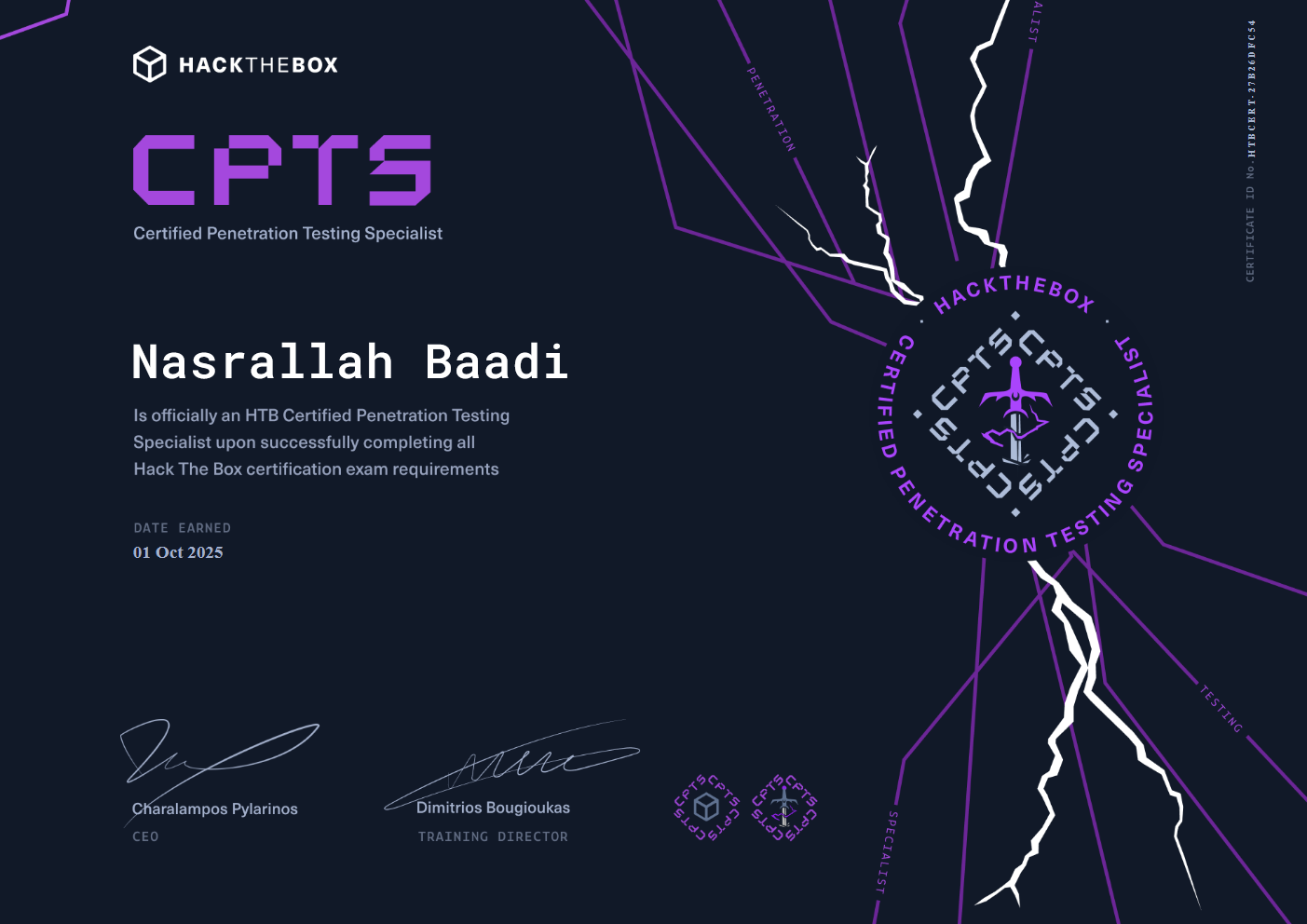
Hello everybody, I recently passed the CPTS exam and in this post I’ll share my experience, the mistakes I made and the things I think you should avoid/do. Here is mine and my friend Sublt3’s full experience:
Approaching the Academy Modules
There are 28 modules in the CPTS path, each module contains a hefty amount of reading materials but also comes with hands-on labs which makes the learning experience enjoyable.
I finished the modules in around 10 months, but I was taking my sweet time with each one and often found myself jumping in and out of studying. I personally know a guy who finished the 28 modules in one month and passed the exam, but I should mention that he is already experienced hacker, so I don’t advise you to do that if you are new to hacking.
I strongly recommend not moving on to the next module until you’ve fully understood the current one and taken solid notes. I also encourage you to research the topics and techniques mentioned, and chat casually with an AI to better grasp the ins and outs of what you’re learning.
When taking notes, I recommend writing down every command you come across along with a brief description of what it does. Keep your notes well categorized and organized so you can easily find what you need later. Otherwise, you’ll end up going back to the Academy over and over, just like I did, for not taking proper notes.
Also, make a checklist of the techniques mentioned in the Academy, whether they’re related to web exploitation or Active Directory and don’t overlook anything, You never know which one you might find in the exam. This will help you quickly navigate when you get stuck, whether during the exam or in any future challenge you come across. I have shared my own small checklist down below.
I would also suggest to save any tools mentioned in the modules especially the ones in Linux and Windows Privilege Escalation modules.
Preps before the exam
After completing the modules, I jumped right into Ippsec’s Unofficial CPTS Prep list which really helped me practice the topics mentioned in the academy.
There is also the CPTS Preperation Track on the main platform which I didn’t know existed before passing the exam. But after I took a look at it, I really recommend you to complete before attempting the exam.
After finishing the machines on each list I strongly suggest you watch an Ippsec video of the machine and also read a write-up from 0xdf. Doing so will expand your understanding and expose you to techniques not covered in the modules. Make sure to add them to your notes.
Before the exam I also redid all the modules’s labs blind especially the Attacking Enterprise Networks which is really similar to the exam and I really encourage you to do the same.
The Pivoting, Tunneling, and Port Forwarding module covers several techniques but doesn’t mention Ligolo-ng which in my opinion is the best tool for tunneling and port forwarding and it makes the process much easier and faster. So give it a try.
If you can afford Pro Labs, try Dante and Zephyr, they’re great for getting a feel for handling multiple targets at once and connecting the dots to exploit a machine.
Don’t wait too long to after finishing the modules and the preparations. Start the exam as soon as possible.
The exam
Exam Duration and Flags
The exam lasts 10 days, and you need to capture 12 out of 14 flags to pass. I managed to obtain all 12 required flags within 5 days, then started working on the report. Halfway through the report, I went back and got the 13th flag. After finishing the report, I spent the last couple of hours of the exam getting the 14th flag, but I didn’t include it in my report.
Time Management
I’d say it the exam can be done in less time, 2 to 3 days are enough if you focus solely on the exam. Personally, I was preparing my meals and eating well, taking short breaks, and wasn’t doing any late night, I stopped right after rooting a machine; otherwise, I’d get nightmares and not sleep well.
If a scan is running, don’t just wait, do some manual enumeration, organize and review your notes and use that time to progress elsewhere.
Handling Exam Challenges
This was my first ever exam so I was a little bit nervous and was panicking when I got stuck on something, which was really unnecessary. This made me lose so much time on stupid stuff just to discover that the problem was really simple and I was just overthinking it.
Don’t overthink the problems. I’d say most of the exam challenges are already covered in the modules. If you get stuck, don’t panic, the solutions are usually simple (though not necessarily easy). Take a step back and review what you have. Don’t dismiss ideas by thinking, “No, it can’t be this.” If something comes to mind, try it, you might discover that what seemed impossible was actually the key to moving forward (I said the same BTW).
When you’re stuck, tighten up your enumeration. If exploiting something feels too hard, you’re probably missing a detail. Re-do your enumeration (or expand it), read up on the related topics on HTB, and relate them to your other findings (in case you’re chaining exploits). The idea is to observe the context the lab is giving you.
The Documentation & Reporting module goes deep on how to take good notes. The thing I want to add is take screenshots and notes immediately. This prevents backtracking and saves time when writing your final report. Web requests, exploitation attempts - commands you ran and anything you find take a screen shot of, and save it to your notes, you can never have too much screenshots. Otherwise, you might find yourself redoing the whole exam just to take more proof like I did.
The report
As I finished the exam in 5 days, I took the other 5 to write the report which was a bit challenging.
I made the mistake to not practice writing the report before I start the exam so I faced some difficulties, but i have experience with writing writeup so I managed myself. So before jumping to the exam definitely write couple reports to not face any problems during the exam.
Make sure to include proof of every command you run and it’s results, highlight every important keywords like usernames, hostnames, tools used and attacks performed. In screenshots, redact passwords and hashes, and clearly highlight key findings, the payloads used, and their respective outputs. Generaly follow the tips described in the Documentation & Reporting module.
AI can be very helpful in writing the report, especially in finding CWE number for the attack performed and to get some useful reference links. It can also be used to get a remediation advice for the vulnerabilities found on the machines.
Whenever you progress in something, copy paste the output somewhere AND REDACT IT IMMEDIATELY, that will save time when writing the report.
For the report I used Microsoft Word. If you don’t have Word, you can use SysReptor, I haven’t used it myself, but others say it’s a solid report-writing tool. Write the walkthrough first, any findings outside of the main writeup are optional, so technically, you’re wasting time.
General Tips
Don’t take other people’s opinion
When I was studying for the exam, I saw couple people on Reddit and LinkedIn saying that the exam is brutal and very hard which made me scared of the exam. Don’t take other people’s opinion as a fact, every one has a different level and a different experience. someone new to cybersecurity might find it hard, while an experienced hacker could find it easier. Only you can just your own skills. If you feel ready, take the exam. Even if you’ve finished the modules and practice labs but aren’t fully confident, take it anyway. There’s no point in fearing something you haven’t tried. And if you failed, you’d know what you were missing, work on that, improve, and retake the exam.
Turn Windows Updates OFF
Windows almost screwed me up in the middle of the exam, here is what happened.
I started the exam on Wednesday morning and managed to capture 12 flags by Sunday, leaving my PC and VM running the entire time. However, when I woke up on Monday, I was surprised to find that my PC had restarted overnight to install Windows updates. Everything was gone, luckily I was using Notion as a note taking app which at least saved my notes.
Although I had taken some good notes, I had to redo the entire exam to take more screenshots.
The lesson here is to use an online note-taking app like Notion, so your notes are safe if your PC crashes or something happens. Also, make sure to turn off Windows updates to avoid unexpected restarts.
Update: A friend of mine was taking the exam, and the exact same issue happened to him. He left his computer on Saturday night and woke up the next morning to find everything gone.
Take care of your health
Don’t be fooled by people on social media, especially LinkedIn, claiming they had “late and sleepless nights”, these are often just buzzwords used to show off. Sleep is very important, especially at night. Take care of your health, eat and sleep well.
Try to avoid fatigue, since working when tired you miss key details, overlook stuff, and ultimately is wasting time since you could be using that time to rest.
Best of luck to everyone tackling the CPTS exam! Stay sharp, trust your skills, and you’ve got this!